Warnings on a map
Explore reported incidents, affected areas and district-level warnings alongside the surrounding map.
24/7 bushfire and severe weather warning awareness, on your computer. SA Monitor brings warning areas, local fire danger information and real-time alerts into one desktop experience.
It is built to warn you when you are least aware.
 SA Monitor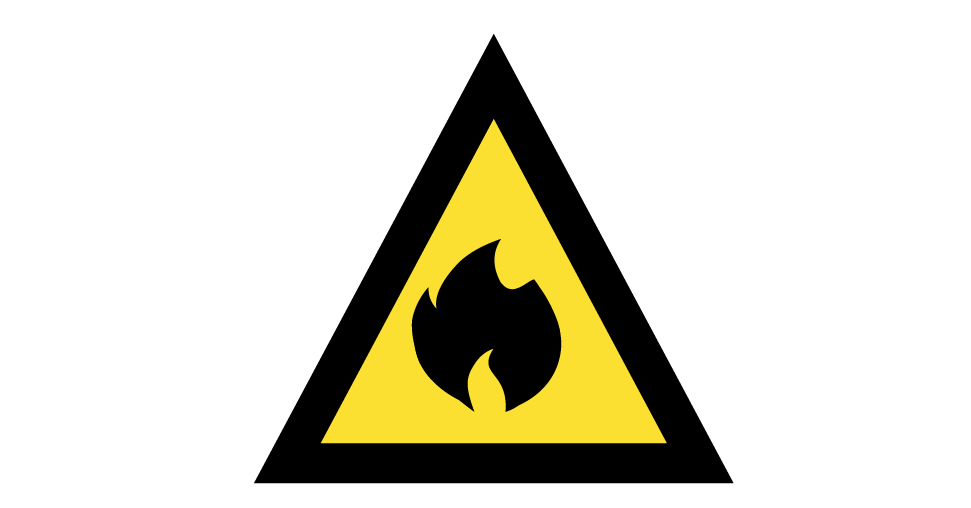
Interactive warning-level demonstration on a schematic Clare Valley map. Not live incident data or an exact app screenshot. Bushfire pictograms: Australian Warning System (AIDR).
Designed to make warning information easier to follow, with a clear map, readable alert levels and desktop notifications.
Explore reported incidents, affected areas and district-level warnings alongside the surrounding map.
Distinct sounds and spoken messages help bring new, relevant warnings to your attention when the app is running.
Displays information from supported emergency and weather sources, with separate labels for estimated and 3rd party support for warning regions.
Save the place that matters to you so the app can assess whether incoming warnings may affect your area.
View local fire danger ratings and Total Fire Ban information where available, alongside the warning map.
Real-time support. SA Monitor has its own admin team constantly updating warnings to reflect incidents in real time.
SA Monitor follows the same Australian Warning System to provide information of incidents.
An incident has started or conditions may change. Monitor official updates and stay aware of the situation.
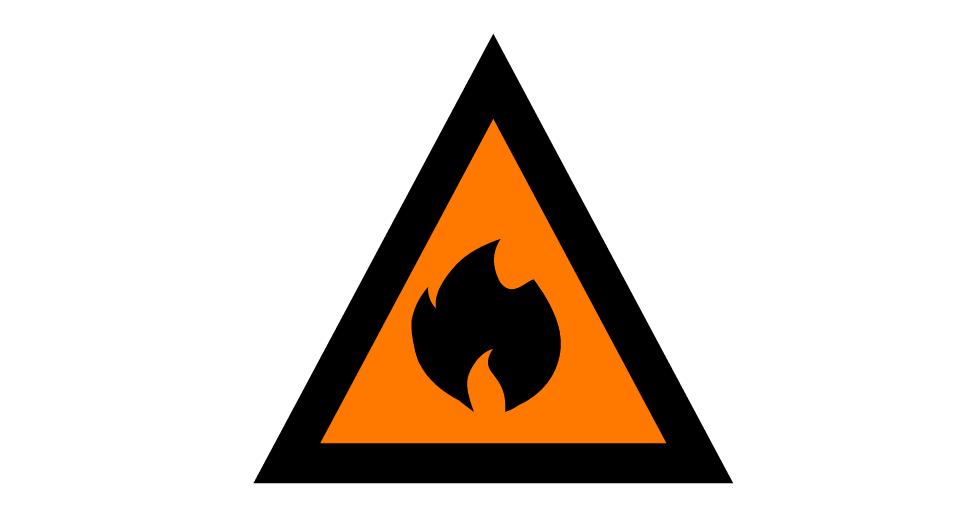
There is a heightened threat. Conditions are changing, and you should take action to protect yourself and others.
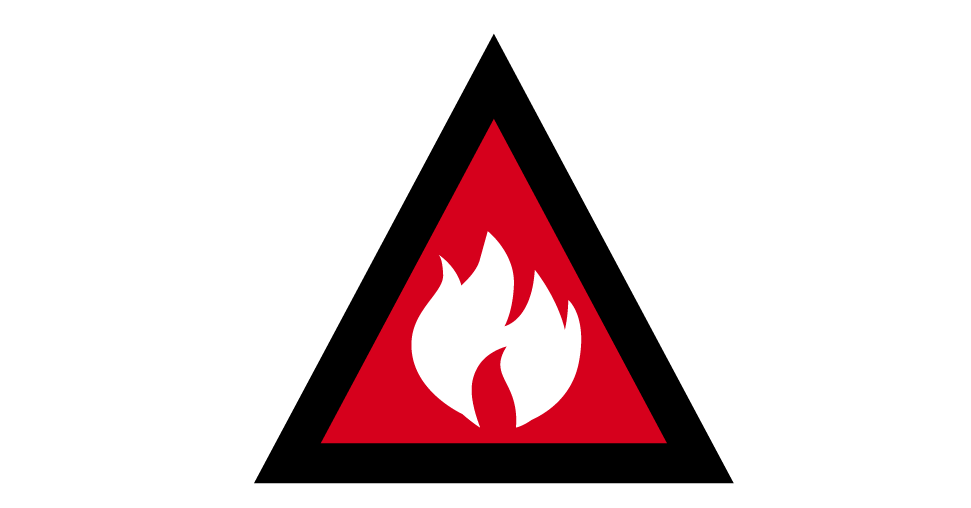
The highest warning level. You may be in danger and should follow the issuing agency's instructions without delay.
Designed to be simple for subscribers: install the application, select your location and leave it running when you want desktop monitoring.
Choose Windows or macOS below, then install and open SA Monitor.
Choose the area you'd like SA Monitor to watch. Review the short getting-started guide.
Receive available desktop alerts and review your map when conditions change. System sleep and connectivity can delay checks.
See available incident locations, agency polygons and labelled district-based fallback areas.
Warning-specific alerts and speech are designed to distinguish Advice, Watch and Act and Emergency messages.
Open the full warning and refer back to the issuing emergency service for authoritative directions.
Choose your operating system and download the public subscriber application.
SA Monitor is an additional awareness tool for your computer. It should complement, not replace, official alerts and your emergency plan.
No. SA Monitor is independently developed. It is designed to be an alternative to Alert SA. It is not operated or endorsed by the SA Country Fire Service, Bureau of Meteorology or South Australian Government. For authoritative current information, use Alert SA and the relevant emergency service.
That depends on your operating system, power settings and hardware. The app may request wake checks on supported Windows systems, but alerts can be delayed or missed while a computer sleeps, is offline or shuts down. Do not depend on it as your only warning channel.
Public subscriber builds are intended to include the read-only connection configuration, so you can install the app and confirm your area without manually creating a Hub token.
SA Monitor focuses on bushfires and also supports warning information for severe weather and other hazards where supported source feeds provide them. Coverage and timeliness can vary.
Use Alert SA, SA CFS and Bureau of Meteorology. In a life-threatening emergency, call Triple Zero (000).